Top it up in seconds, set it to refill itself, and let the whole family pitch in.
Free plan available. No monthly subscription required.
Transfer money from your bank. Funds typically arrive within 2–3 business days.
Add money in seconds from any debit or credit card when you can't wait. A small fee applies⁴, free on MoGold.²
Set a minimum, and the card tops itself up before it runs out.
Share a link or QR³ so grandparents, aunts, and anyone else can send straight to the card. No Modak account needed to send.

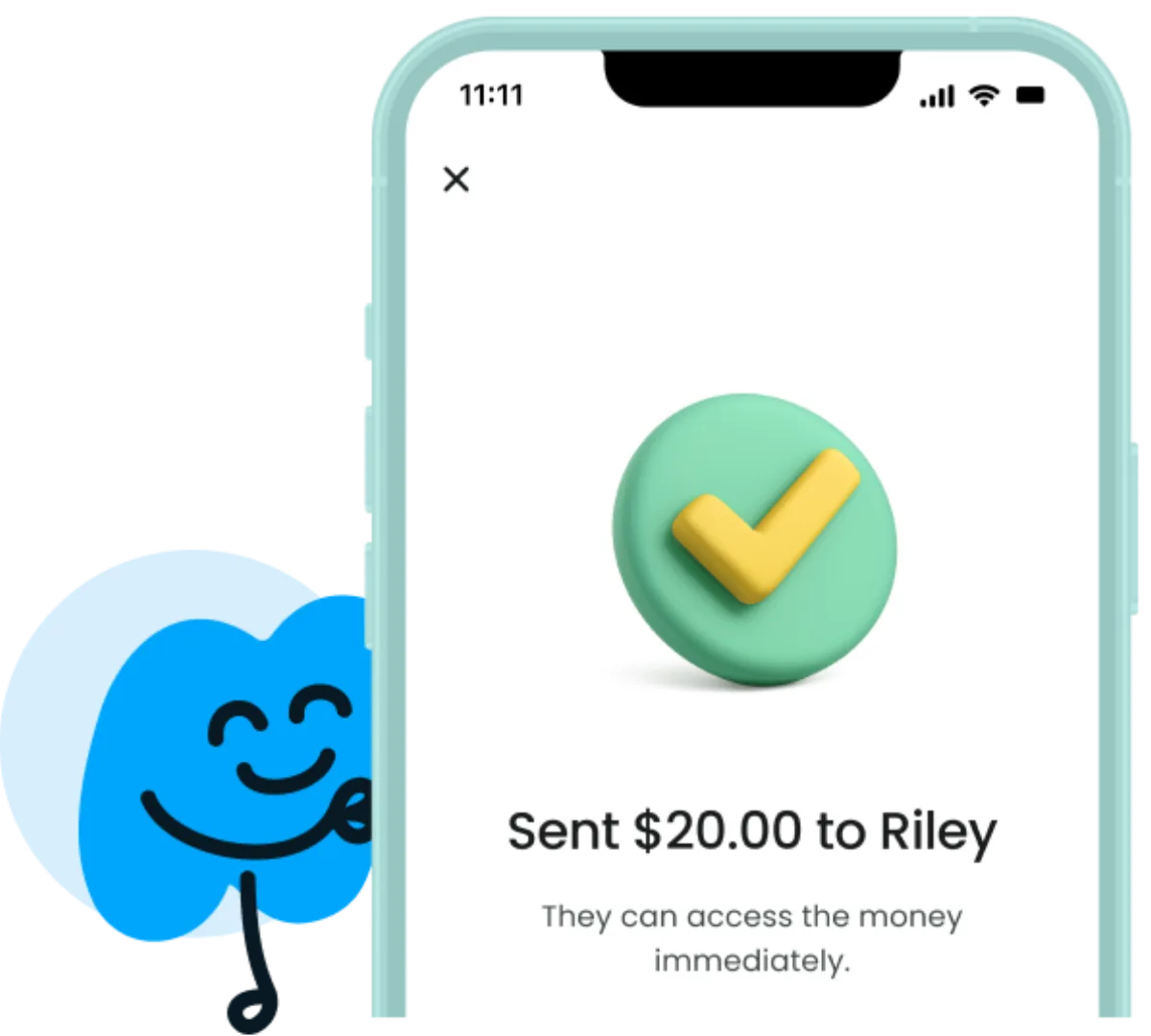
Send money for free and in seconds between Modak users.
Split a dinner or a shared cost, with tax and tip handled.
$15 for a field trip in ten minutes
Grandma sending a birthday gift from another state
Splitting the bill so each kid pays their share
Sending birthday cash to a cousin who's also on Modak, for free
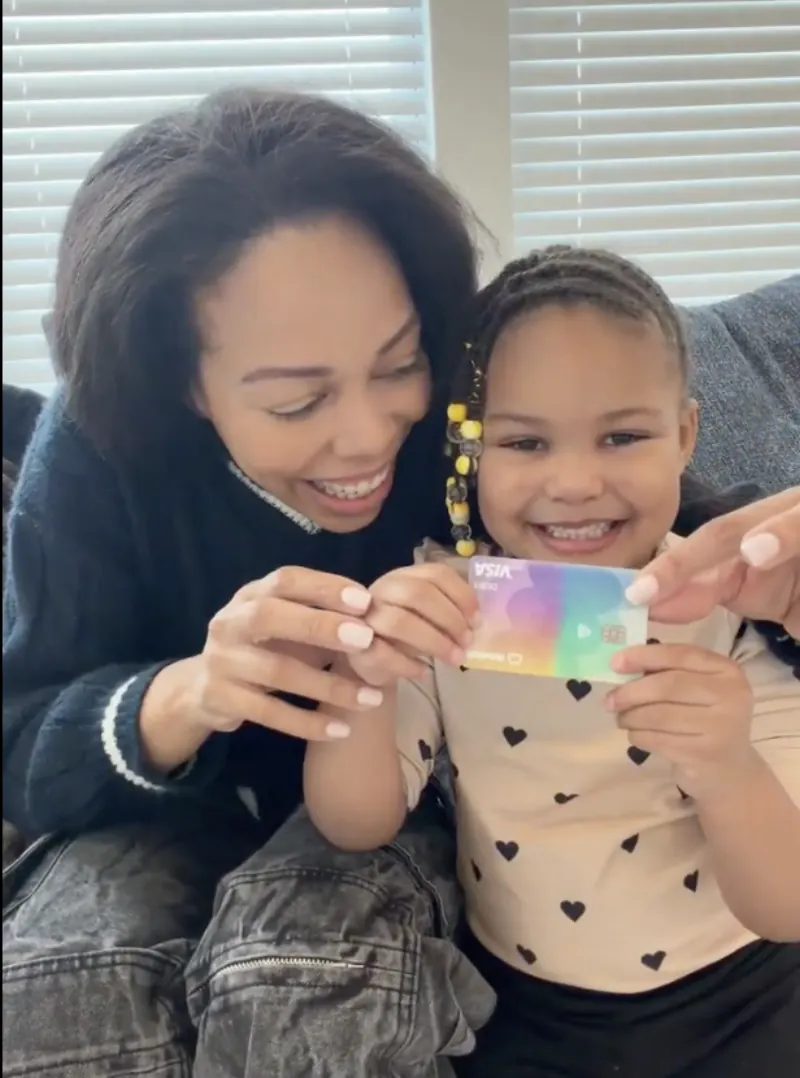
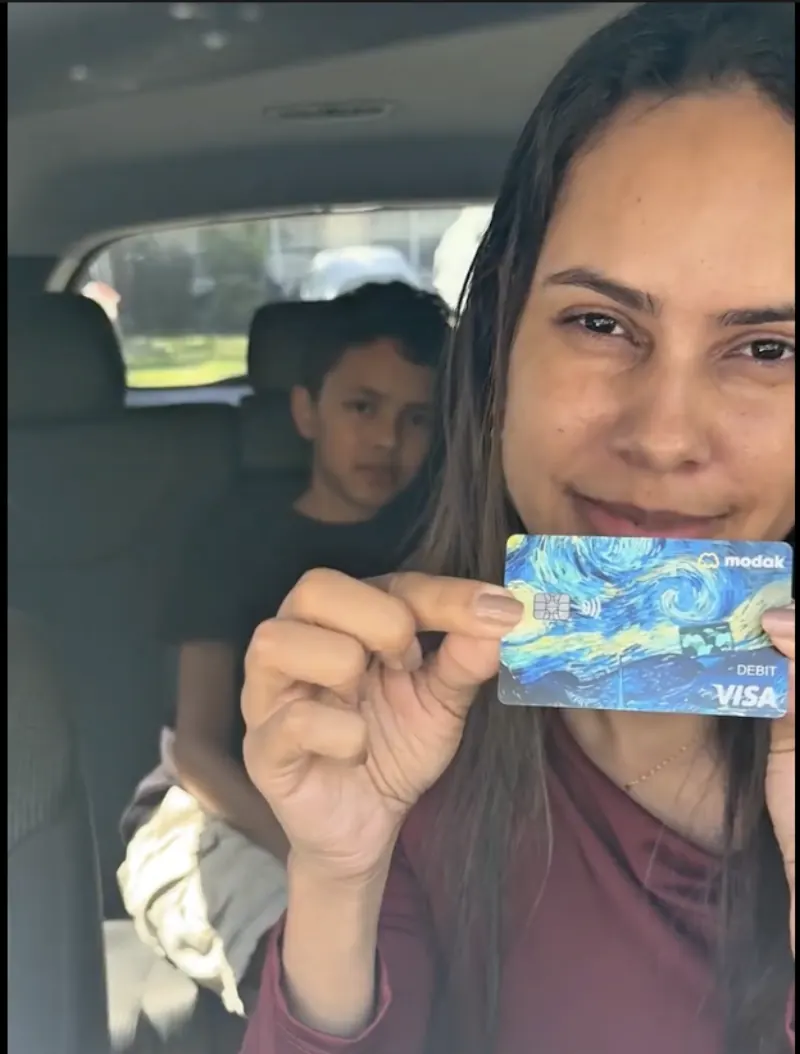
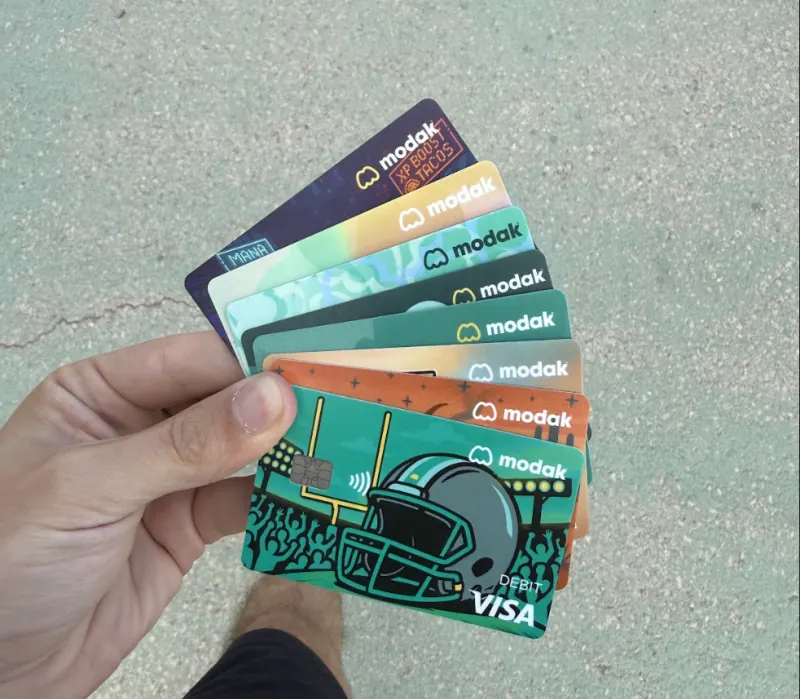

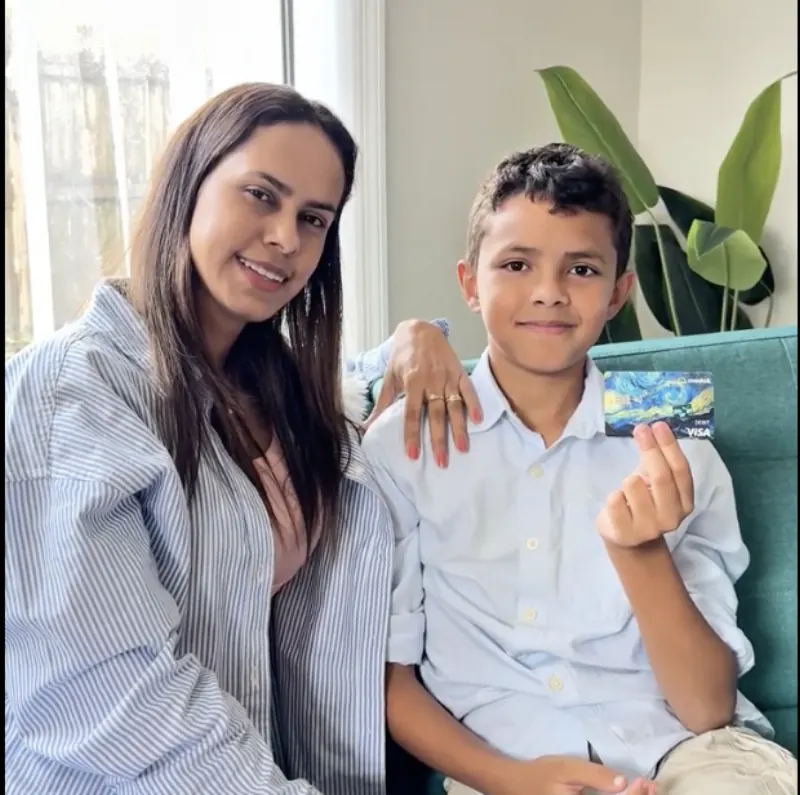
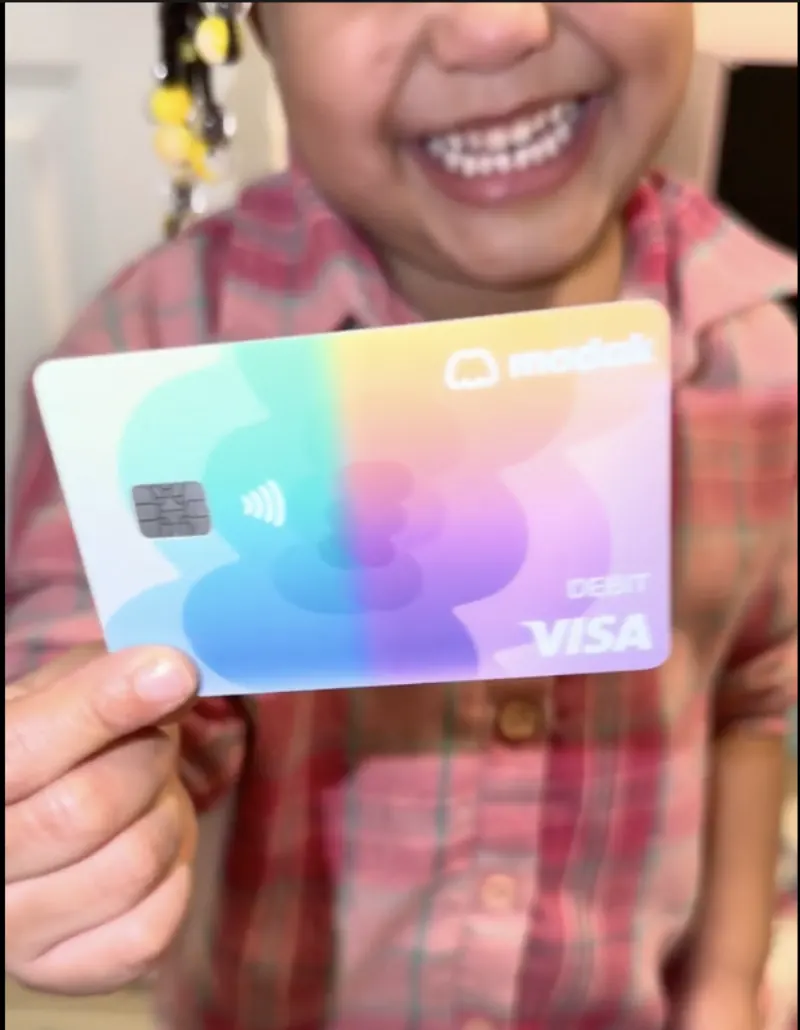
“This is just the best app I ever used. It doesn't take two or three days to send your money — it's perfect and easy to use.”
“I love this app for my family. It helps me manage money with my kid and teach them how to as well. It's also great for getting money to my son when he's not physically with me.”
“Getting this card for my son has been so helpful for him to be able to pay for things when we are not with him. He is also learning a lot about budgeting his money.”
Deposit account and the Modak Visa® debit card issued by Legend Bank, N.A., FDIC-Insured.
Modak is a financial technology company and not a FDIC insured financial institution.
Go to https://app.modakmakers.com/parents and log in using your phone number. You will receive a verification code to confirm your login.
Once logged in, you will be directed to the home page. Here, you will see the “Teen’s Wallet” section and a “Send $” button to fund the teen’s card. Click on the “Send $” button.
On the next page, you will see three options “My account”, “Fast Transfer”, “Normal Transfer”. In this last option you can choose between “Add a Bank account“, and “Make a direct deposit” Click on the option that best suits you.
If you selected “My account” you will be redirected to pick an amount screen based on your current parent balance. Type the amount and click on the next button.
If you selected “Fast Transfer” you will be redirected to pick an amount screen and then directly to Checkout platform to finish the transaction. With this option you can use debit or credit cards to fund the parent and or teen account.
If you selected “Normal Transfer” you will be redirected to a screen where you can choose between two options.
“Add a Bank account” you will be redirected to a PLAID agreement page where you will need to follow the prompts to authorize the linking of your bank account. Once completed, your account will be linked to the Modak platform. To fund the teen’s account, go back to the “Send $” button and enter the amount you wish to send. Choose between Standard or Priority transfer, review your transaction information, and click “Confirm and Send.”
“Make a direct deposit” you will be redirected to choose your bank to be able to send money directly to the teen account using your bank’s own platform.
Anytime you want to check the movements on your teen’s account, you can click on top of any transaction to see more details.
Read more →You can deposit funds onto the Modak card in several ways:
Please note that while transfers using direct deposits are free, using a debit or credit card may incur a small fee of $0.50 + 3% of the transaction value.
Remember that using Fast transfer with Debit/Credit cards, you will get the money in seconds!
Read more →You can fund it through several methods, including using direct deposit, debit or credit cards, Apple Pay, Google Pay — and even with your MBX™.
Read more →Most of this is free. Free instant funding is a MoGold perk. See plans →
Join families raising kids who know what to do with money.
Get started for free →