Give them a reason to save

Open a goal, set the target, and watch it grow. Both kids and parents can add money toward it.

Savings Goals are available from $2.99/mo. See plans →

11:11
My bike
+$10+$20
$.0030% of $100
AddWithdrawReceive
From Spending BalanceTo My BikeApr 27+$20.00
From Spending BalanceTo My BikeApr 26+$10.00
CFrom Carol (Parent)To My BikeApr 25+$20.00
View all transactions

App Store and Trustpilot ratings as of April 26, 2026.¹

11:11
My bike
+$10+$20
$.0030% of $100
AddWithdrawReceive
From Spending BalanceTo My BikeApr 27+$20.00
From Spending BalanceTo My BikeApr 26+$10.00
CFrom Carol (Parent)To My BikeApr 25+$20.00
View all transactions

How it works

Open a goal

Pick what they're saving for.

Set the target

Name it and set the amount.

Add money and watch it grow

Both kids and parents can add money, any time.

A goal keeps them motivated

Kids stick with saving when they can see what it's for. They pick the target, watch the balance climb, and feel the progress every time they add to it.

4%Annual boost
with MoGold²
Family goal$50 saved
GGrandma added $10$10
MMom added $10$20
DDad added $15$35
🦝Riley added $15$50
Goal reached 🎉

Real goals kids are saving for

their first AirPodsnew headphonesa new gamea gaming consolea Nintendo Switcha new phonea laptop for schoolnew sneakersa skateboardtheir first AirPodsnew headphonesa new gamea gaming consolea Nintendo Switcha new phonea laptop for schoolnew sneakersa skateboard
a trip with friendsconcert ticketstheme park ticketsa music festivalsummer campa class tripa weekend getawaytheir first cardriving lessonsa trip with friendsconcert ticketstheme park ticketsa music festivalsummer campa class tripa weekend getawaytheir first cardriving lessons
a bikestart of a college funda new guitaran art seta birthday gift for a frienda scootera puppynew cleatsa telescopea bikestart of a college funda new guitaran art seta birthday gift for a frienda scootera puppynew cleatsa telescope

Save together

Family saving

Save together

Both kids and parents can add money to any goal. Match what they save, add a reward for a milestone, or chip in for a birthday, and anyone else in the family can add money too, with their own QR or payment link, no Modak account needed.

MoGold perk

Up to a 4% savings boost

On MoGold, every savings goal can earn up to a 4% annual boost², so their savings grow faster. Your own parent balance earns the same boost too.

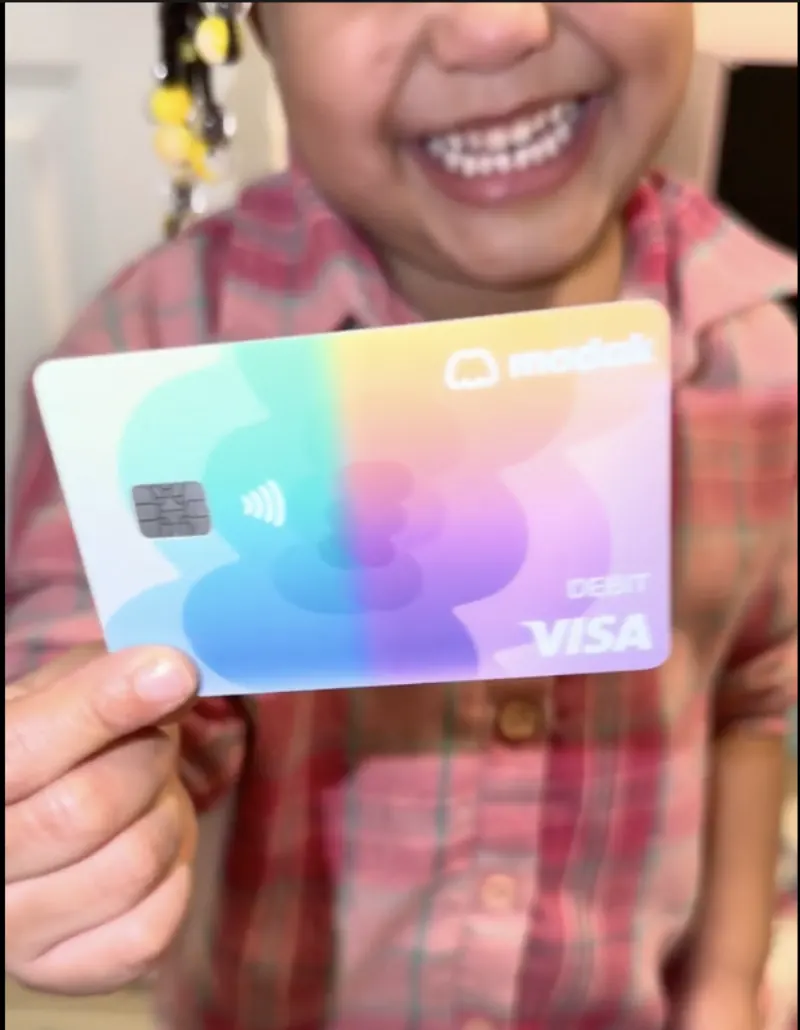
Modak family — mom and daughter with her card
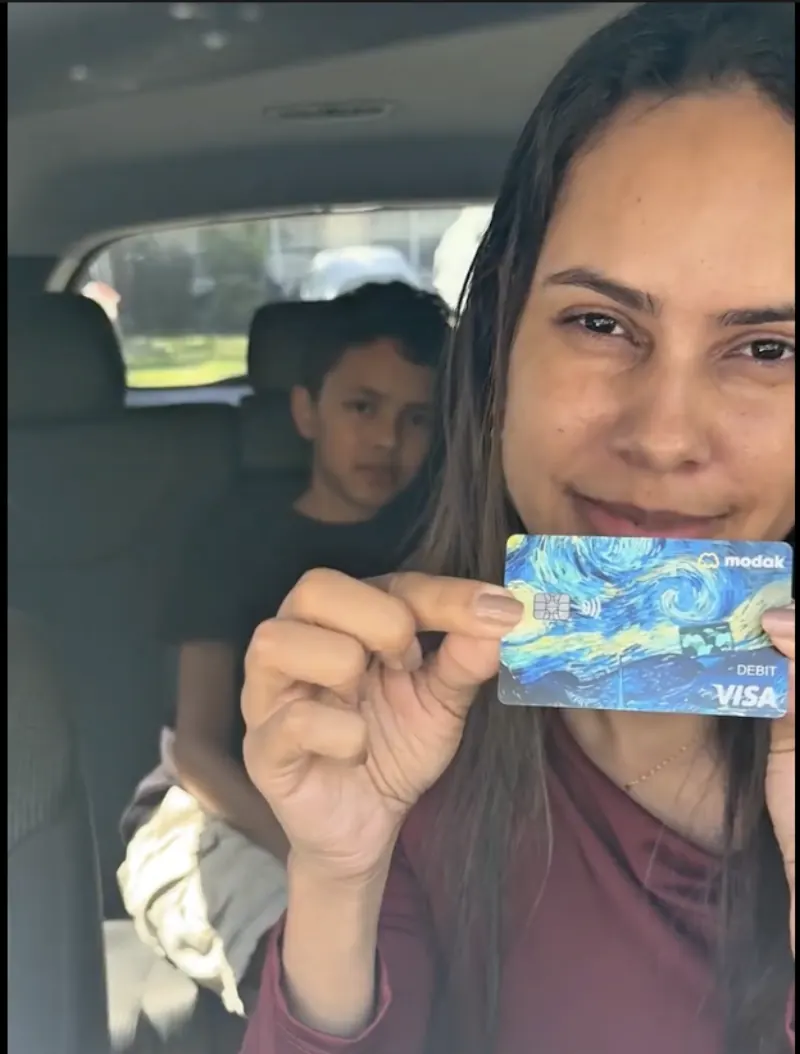
Modak family — mom in the car with her son
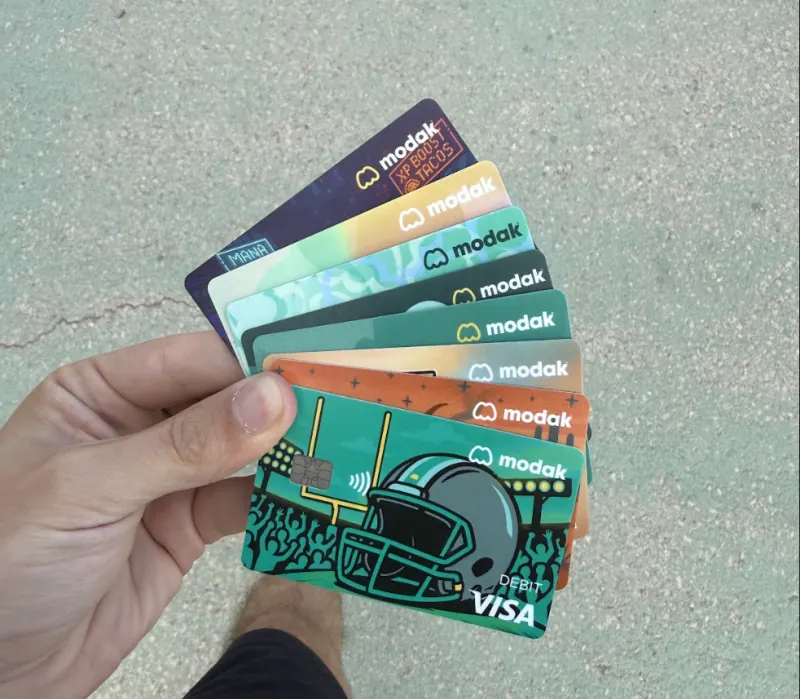
Modak family — hand fanning out card designs
Modak family — card outdoors at sunset
Modak family — mom and son on the couch
Modak family — kid with their card

Trusted by over 200,000 families

App Store and Trustpilot ratings as of April 26, 2026.¹

EW
Emily W.

“My son loves it and already is excited about his savings goals — it has made chores much easier.”

SG
San G.

“Kids can set saving goals, and parents can easily track their progress. This app is perfect for teaching kids financial responsibility.”

OS
Olivia S.

“I love this app — it has helped me save money and be more responsible with money.”

Deposit account and the Modak Visa® debit card issued by Legend Bank, N.A., FDIC-Insured.

Modak is a financial technology company and not a FDIC insured financial institution.

Frequently asked questions

How is the 4% annual savings boost calculated?

The 4% boost is applied to:

  • Funds held in teen savings goals.

Funds held in the parent’s balance. The boost is typically calculated periodically (e.g., monthly). Specific calculation details should follow internal guidelines. See our Modak rewards boost Terms

Read more →
How do I fund my kid's account?
  • Go to the parent app and log in using your phone number. You will receive a verification code to confirm your login.
  • Once logged in, you will be directed to the home page. Here, you will see “My balance” and click on “add money” button to your account.
  • Or you can send the money directly to your kid’s account by clicking on “$ send” either going to down the middle; or selecting your kid´s profile and “send money”.
  • Add a Bank account” Currently we are upgrading this feature.
  • On the next page, you will see options as “My balance“, “Use a new Credit/Debit card (Fast transfer), Google pay or apple pay
    • If you select “My balance” you will be redirected to pick an amount screen based on your current parent balance. Type the amount, pick to witch kid you are sending the money to, and click on the next button.
      • If you selected “Use a new Credit/Debit card” you will be redirected to pick an amount screen and then directly to Checkout platform to finish the transaction. With this option, you can use debit or credit, apple or google pay cards to fund the parent and or kid account.
      • To set up a direct deposit, simply click on the “Bank details” button in the teen profile. You’ll find the necessary details there, which you can use to transfer money directly to the teen’s account through your bank’s platform.
      • Tap Confirm and Send to complete the transfer.
      • Select Linked Bank Account from the funding options.
        • You’ll be redirected to a Plaid agreement page. Follow the prompts to securely connect your external bank.
        • Once linked, the bank account will be saved in Modak for easier future transfers.
        • To fund your teen’s account tap on the send button, if you want to add funds to your own parent account, tap the Add $ button.
        • Enter the amount you’d like to send, review the details, the Standard transfer is preset (no fees).
Read more →
How do I send money from my Modak wallet to my teen’s?
  • In your parent home screen navigate to the bottom and click on the icon “Send $
  • Choose a child, write the amount you wish to send, and “continue”
  • Follow the instructions in the screen to send the money
Read more →
See all FAQs →

Start building smarter money habits today

Join families raising kids who know what to do with money.

Get started for free →


Get started for free