
What parents should know about iPhone parental controls and spending
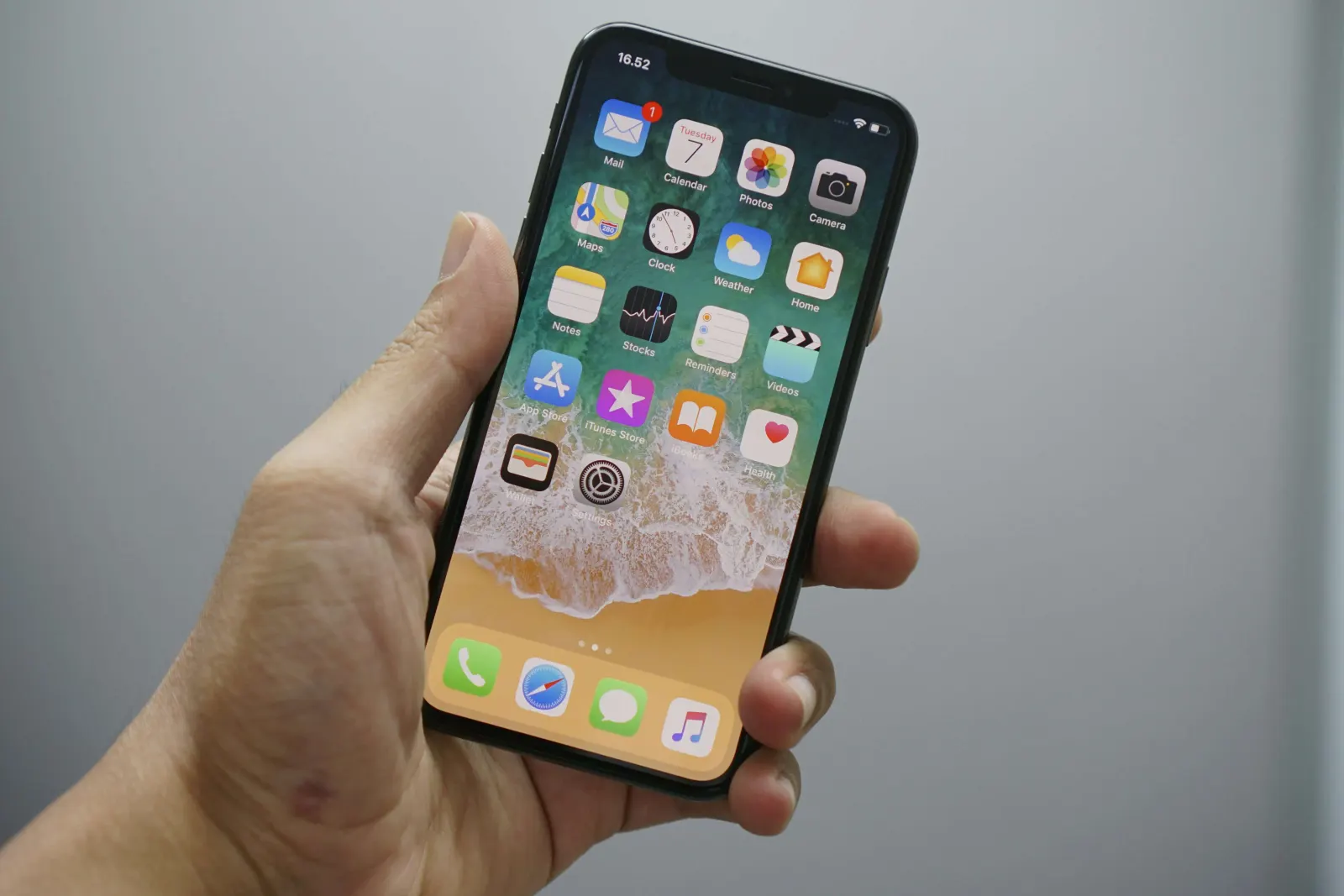
- 📱 iPhone parental controls through Screen Time let you block apps, limit usage, and manage content easily.
- 🌐 You can block websites on iPhone by restricting adult content or allowing only approved sites.
- 👨👩👧 Family Sharing allows parents to monitor and control their child’s device remotely for better safety.
As a parent, you probably already know about setting time limits and blocking apps on your child’s iPhone or iPad. But in today’s digital world, parental controls should go beyond just screen time. If your child is using their device to shop, spend, or make in-app purchases, it’s just as important to guide how they use money.
Here’s how to block websites and apps on iPhone, and how Modak can help you manage your child’s spending the same way you manage their screen time.
How to block websites on iPhone
You can block websites directly from your iPhone using Screen Time settings:
- Go to Settings > Screen Time.
- Tap Content & Privacy Restrictions (enable it if you haven’t already).
- Tap Content Restrictions > Web Content.
- Select Limit Adult Websites or Allowed Websites Only to control access.
You can also manually add specific sites to a block list.
Note: Apple sometimes updates how these menus look. If something appears different on your device, check Apple’s official guide for the latest steps

How to block apps on iPhone
Screen Time can also restrict app usage:
- Open Settings > Screen Time > App Limits.
- Tap Add Limit and select app categories (like Social or Games).
- Set a daily time limit.
This is especially useful during school hours or bedtime.
What about spending controls? That’s where Modak comes in 😎
You can limit content and screen time on your child’s device, but what about how they spend?
That’s where Modak steps in. With Modak, you get:
- Real-time notifications for every transaction
- The ability to freeze the card instantly if needed
- A system designed to prevent overdraft
- A dashboard where you can set goals and monitor progress
Just like Screen Time sets limits for what your child sees, Modak sets healthy limits for how they spend.
Teens get a Visa® debit card, both virtual and physical, with no monthly fees³. You get peace of mind.
Can I set parental controls on my own iPhone?
Yes. Even if you share a family device, you can limit content using the same Screen Time tools. Just set a Screen Time passcode so that only you can change the settings.
Can I monitor my child’s phone from my iPhone?
Yes. Use family sharing to set Screen Time remotely:
- Go to Settings > Screen time on your phone.
- Tap your child’s name under Family.
- From here, you can view their usage and adjust settings.
You can also use third-party apps or the Modak app to monitor spending.
For full remote monitoring of your child’s device via Family Sharing, visit Apple’s guide: Set up Screen Time for a family member on iPhone

How Modak helps
- 💳 Modak lets parents monitor and control their child’s spending with real-time transaction alerts.
- 🔒 You can instantly freeze the card and prevent overdrafts, adding a layer of financial safety.
- 📊 The app helps teens learn budgeting and saving while parents maintain visibility and guidance.
FAQs
How do I put parental controls on my child’s iPhone and iPad?
Use Screen Time settings to block websites, set app limits, and restrict content.
Can I put parental controls on my own iPhone?
Yes. You can restrict content, websites, and app usage, even on your own device.
Can I monitor my child’s phone from my iPhone?
Yes, with Family Sharing or apps like Modak that notify you of every transaction.
Does Apple allow parental controls?
Absolutely. Screen Time is built into iOS and gives you detailed control over device use.
Final thought
Blocking websites and limiting screen time is a great first step. But in 2025, parenting also means teaching kids how to manage money.
With Modak, you get full visibility into your teen’s spending habits, along with the tools to teach them how to budget, save, and stay in control.
Want to extend your parental controls to digital money? Learn more about Modak