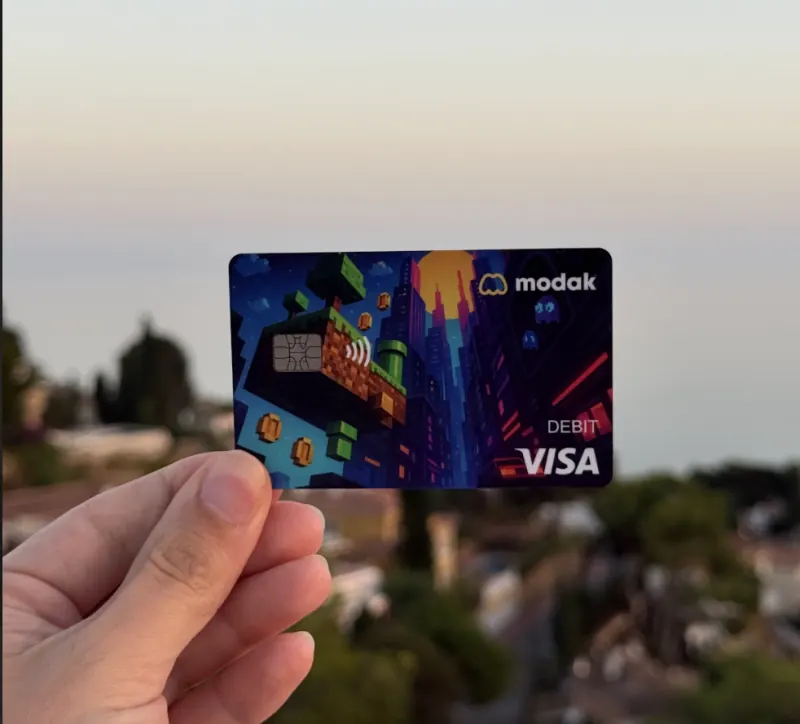
Want a Modak card? Here's how to ask your parents

Modak is the debit card and money app built for teens — but a parent sets it up. So we wrote the messages for you. Copy one, send it, done.

Copy · paste · send

The exact words to send your parents

Pick a message, hit copy, and paste it straight into your texts. Start at the top and work down, or just grab the one you need.

  1. 1Break the ice

    Hey — there's a debit card and money app made just for teens called Modak. It's legit: safe, easy to use, and it'd actually help me get good with money. Can I show you?

  2. 2Show it's the real deal

    It's a real Visa® debit card built for teens, and a parent sets it up and stays in control the whole time. It's not some sketchy app — hundreds of thousands of families already use it.

  3. 3You stay in control

    From your own parent app you'd see everything I spend in real time, add money in seconds, set spending limits, and pay me for chores. Nothing happens without you approving it.

  4. 4Why I actually want it

    I'd learn how to budget and save for real — I can set saving goals and earn rewards in the app for good habits — instead of asking you for cash every week.

  5. 5The ask

    Setting it up takes about 5 minutes and there's no monthly subscription to get started. Modak even has 24/7 support if we get stuck. Will you help me set it up?

Deposit account and the Modak Visa® debit card issued by Legend Bank, N.A., FDIC-Insured. A virtual card is issued free on account creation¹. There's no monthly subscription to get started, though some expedited or premium services carry a fee². In-app rewards are earned as MBX³.

What's in it for your parents

The fastest way to a yes is showing them how much they're in control. Here's what lands with parents.

Real-time visibility

See every purchase

Spending shows up in the parent app the moment it happens — no surprises, no digging.

Funding

Add money in seconds

Top up for allowance, an emergency, or a quick yes — right from your phone.

Chores & allowance

No more chasing cash

Assign chores and auto-pay allowance, so earning and paying just run themselves.

Safety & controls

You're always in control

Set spending limits, freeze the card, and get alerts. Nothing happens without you.

Chores, allowance, and other advanced features are available on Modak's subscription plans.Deposit account and the Modak Visa® debit card issued by Legend Bank, N.A., FDIC-Insured.
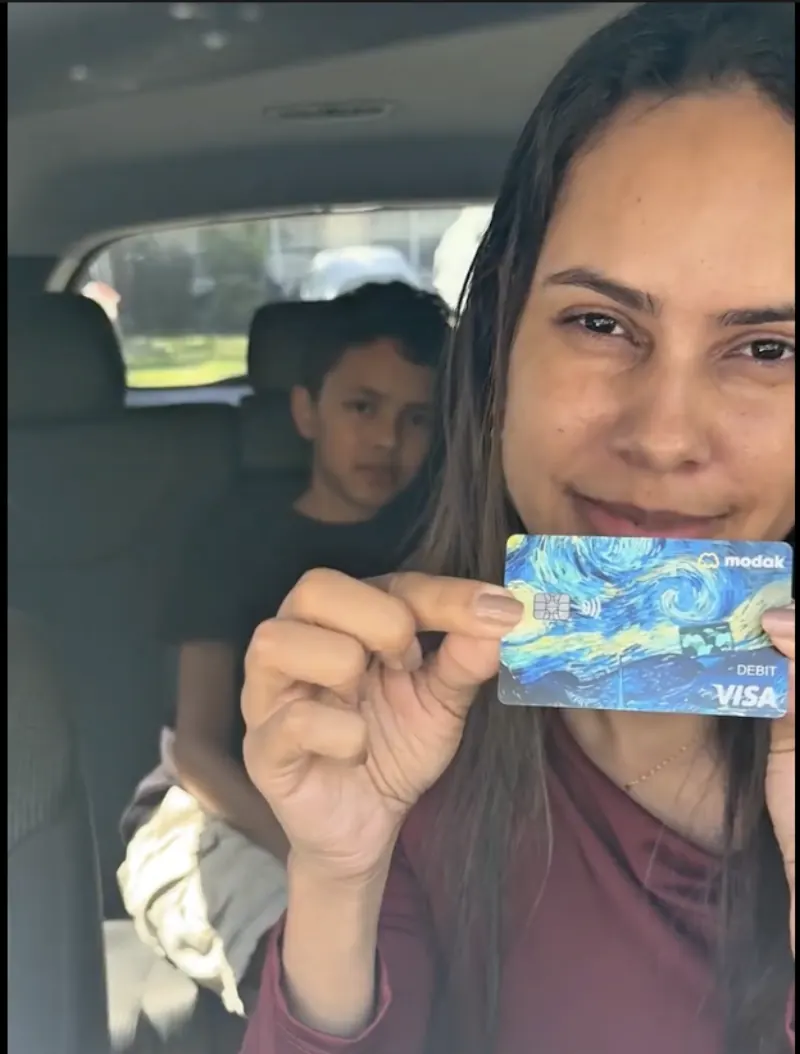
Modak family — mom and daughter with her card
Modak family — mom in the car with her son
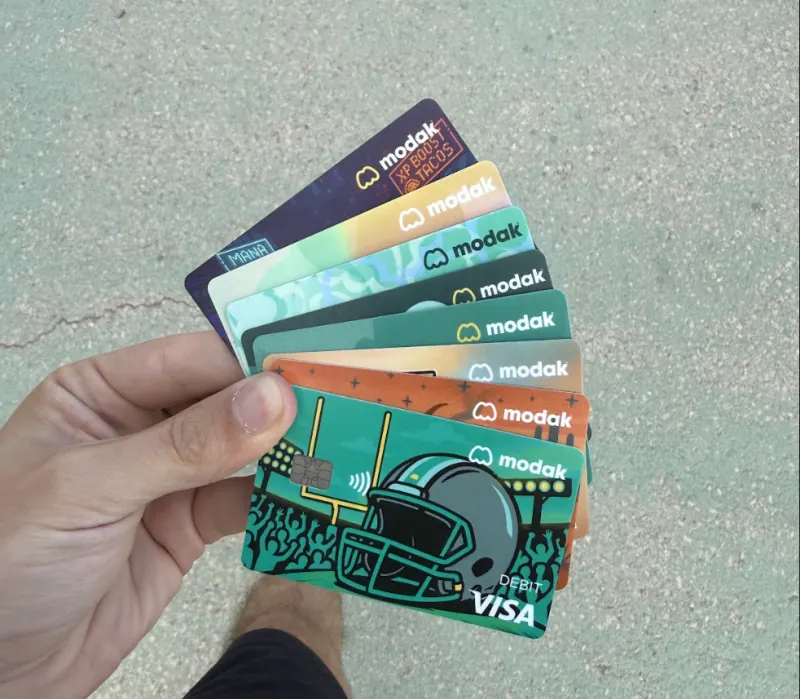
Modak family — hand fanning out card designs
Modak family — card outdoors at sunset
Modak family — mom and son on the couch
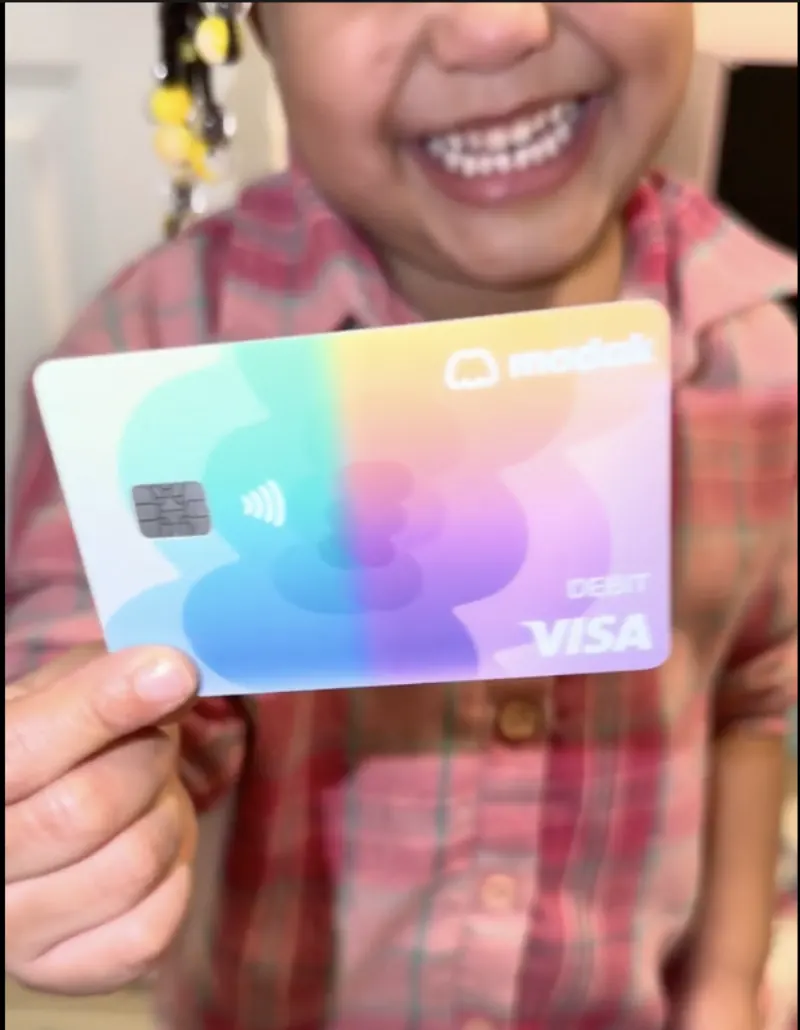
Modak family — kid with their card

Trusted by over 200,000 families

4.8
11,898 app ratingsApp stores
4.4
Rated Excellent on TrustpilotTrustpilot

4.8 across 11,898 App Store and Google Play ratings. Trustpilot 4.4 from 1,169 reviews. As of August 10, 2026.

TW
Tasha W.

“My son loves his debit card and it's easy to transfer money to his card. Setting tasks for the kids to earn money is real easy.”

ST
Summer T.

“Absolutely love this app — I can see what my child is spending and it costs me nothing. Finally teaching responsibility with money easier than cash.”

RH
Rachel H.

“Great app! All four kids and this mom are loving it. Simple and uncomplicated unlike some other financial apps.”

Deposit account and the Modak Visa® debit card issued by Legend Bank, N.A., FDIC-Insured.
Modak is a financial technology company and not a FDIC insured financial institution.

Frequently asked questions

Can I add my card to Mobile wallets?
  • Yes! Not only can you order a physical card, you can also add your card virtually to Apple Pay or Google Pay!
  • Log in to your account
  • Go to the card section below in the middle
  • Then go to “Add to Apple/Google Wallet/”
  • Create the PIN for the virtual card, if you have already created the PIN use that one.
Read more →
How do I fund my kid's account?
  • Go to the parent app and log in using your phone number. You will receive a verification code to confirm your login.
  • Once logged in, you will be directed to the home page. Here, you will see “My balance” and click on “add money” button to your account.
  • Or you can send the money directly to your kid’s account by clicking on “$ send” either going to down the middle; or selecting your kid´s profile and “send money”.
  • Add a Bank account” Currently we are upgrading this feature.
  • On the next page, you will see options as “My balance“, “Use a new Credit/Debit card (Fast transfer), Google pay or apple pay
    • If you select “My balance” you will be redirected to pick an amount screen based on your current parent balance. Type the amount, pick to witch kid you are sending the money to, and click on the next button.
      • If you selected “Use a new Credit/Debit card” you will be redirected to pick an amount screen and then directly to Checkout platform to finish the transaction. With this option, you can use debit or credit, apple or google pay cards to fund the parent and or kid account.
      • To set up a direct deposit, simply click on the “Bank details” button in the teen profile. You’ll find the necessary details there, which you can use to transfer money directly to the teen’s account through your bank’s platform.
      • Tap Confirm and Send to complete the transfer.
      • Select Linked Bank Account from the funding options.
        • You’ll be redirected to a Plaid agreement page. Follow the prompts to securely connect your external bank.
        • Once linked, the bank account will be saved in Modak for easier future transfers.
        • To fund your teen’s account tap on the send button, if you want to add funds to your own parent account, tap the Add $ button.
        • Enter the amount you’d like to send, review the details, the Standard transfer is preset (no fees).
Read more →
See all FAQs →

Ready when your parents are

Send a message, hand over the phone, and get set up together in about 5 minutes.

Get started →

Get started for free